
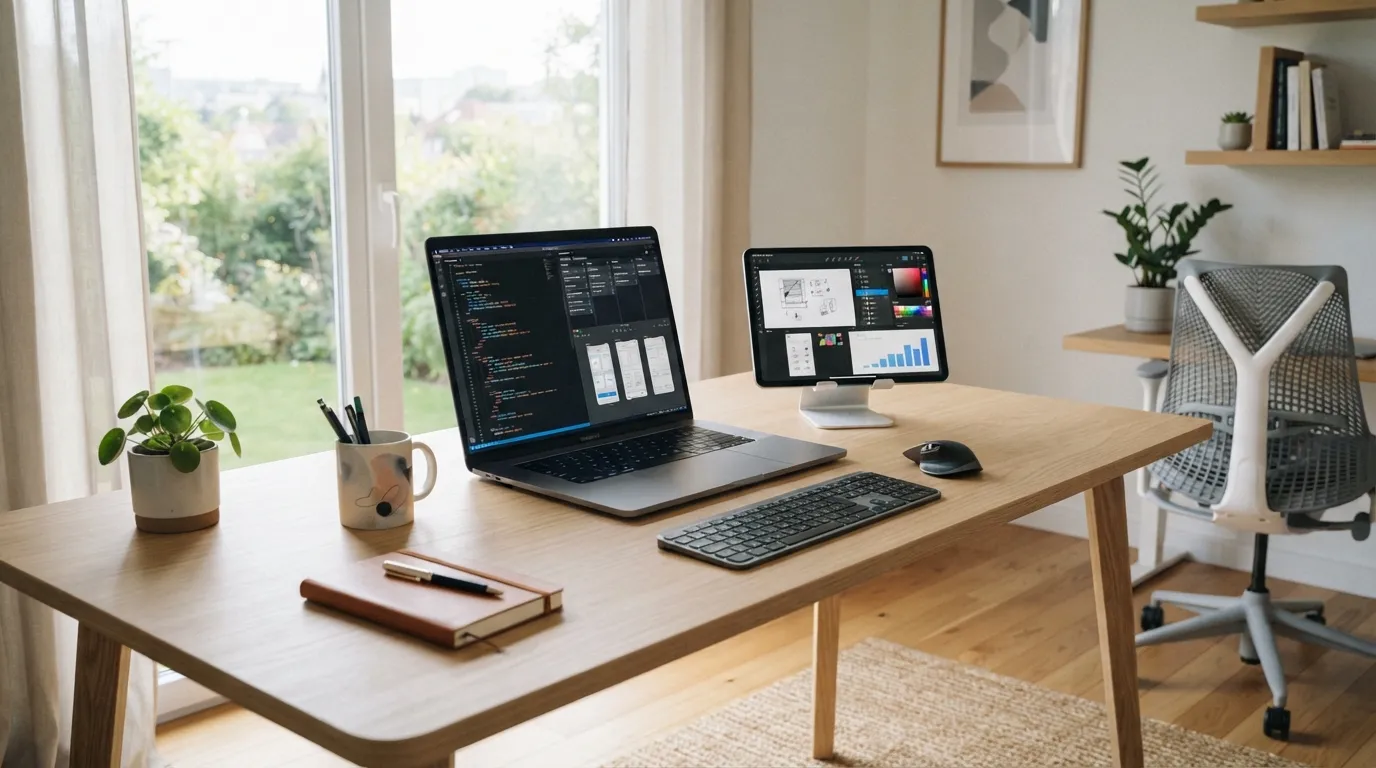
I get asked this a lot, usually right after someone sees me juggling six browser tabs and somehow still meeting a deadline: “wait, what apps do you actually use?”
So here it is — not a sponsored “best productivity tools of 2026” listicle, just the honest, slightly messy stack that keeps my freelance life running.
The Core Four (Non-Negotiable)
These are the tools I genuinely could not freelance without. If one of these went down for a day, I think I’d have a small crisis.
- VS Code — my actual home base, obviously. Extensions keep changing, but the app itself never does.
- Notion — client notes, project trackers, content calendar, personal journal. Yes, I’ve made it do too much. No, I’m not fixing that.
- Google Calendar — blocked time for deep work, client calls, and (very importantly) blocked time for absolutely nothing.
- Slack/Email combo — depending on the client. I’ve stopped fighting clients on their preferred communication tool; I just adapt.
Tools By Category
I think breaking this down by function makes more sense than just listing app names, so here’s how it actually looks in practice:
| Category | Tool | Why I Use It |
|---|---|---|
| Code editor | VS Code | Flexible, endless extensions, just works |
| Project management | Notion | All-in-one for notes, trackers, docs |
| Invoicing | Wave | Simple, free, does exactly what I need |
| Time tracking | Toggl | Keeps me honest about actual hours spent |
| Design/mockups | Figma | Client collaboration on UI decisions |
| File hosting | Google Drive | Client-facing deliverables, shared folders |
| Password management | Bitwarden | Non-negotiable with this many client logins |
| Automation | Zapier | Connects the boring repetitive stuff automatically |
The Underrated Tool Nobody Talks About
Honestly? My second monitor. Not software, I know, but it changed my whole workflow more than any app on this list. Code on one screen, docs/browser on the other — sounds obvious, but I resisted buying one for way too long, thinking it was an unnecessary expense.
Big mistake. Huge productivity difference.
What I Tried and Ditched
Not every tool earns a permanent spot. A few things I gave a genuine shot and eventually dropped:
- Overly complex project management software — built for teams of 20, not a team of me and my cat.
- Multiple note-taking apps at once — Notion won, everything else got abandoned mid-setup.
- A fancy CRM — completely overkill for my current client volume. A simple spreadsheet does the job just fine.
I think there’s a real trap in over-tooling yourself as a freelancer — chasing the “perfect setup” instead of just working with what’s good enough.
AI Tools I’ve Actually Integrated (Not Just Tried Once)
I’ll be honest, I was skeptical at first, mostly out of stubbornness. But a few AI tools have genuinely earned a spot in my daily routine:
- AI coding assistants — not writing my code for me, but speeding up boilerplate and catching dumb mistakes faster
- AI for drafting client emails — especially the “how do I phrase this diplomatically” ones
- AI for meeting summaries — genuinely saves me from frantic note-taking during client calls
My Honest Take on “The Perfect Stack”
I don’t think there’s one universal answer here. In my opinion, the “perfect tech stack” is really just whatever removes friction from your actual workflow, not whatever’s trending on productivity Twitter this month.
A few principles I stick to when adding (or removing) a tool:
- If it takes longer to set up than to just do the task manually, skip it
- If I haven’t opened it in two weeks, it’s probably not essential
- If it solves a problem I don’t actually have yet, it’s premature optimization
The Honest Bottom Line
My stack isn’t fancy, and it’s definitely not the most “optimized” setup out there. But it’s mine, it works, and — most importantly — it lets me focus on the actual client work instead of fiddling with tools all day.
If you’re building your own freelance stack right now, my advice: start minimal, add tools only when you feel actual friction, not hypothetical friction. Everything else is just noise (and a nice distraction from actually doing the work).



Leave a Reply